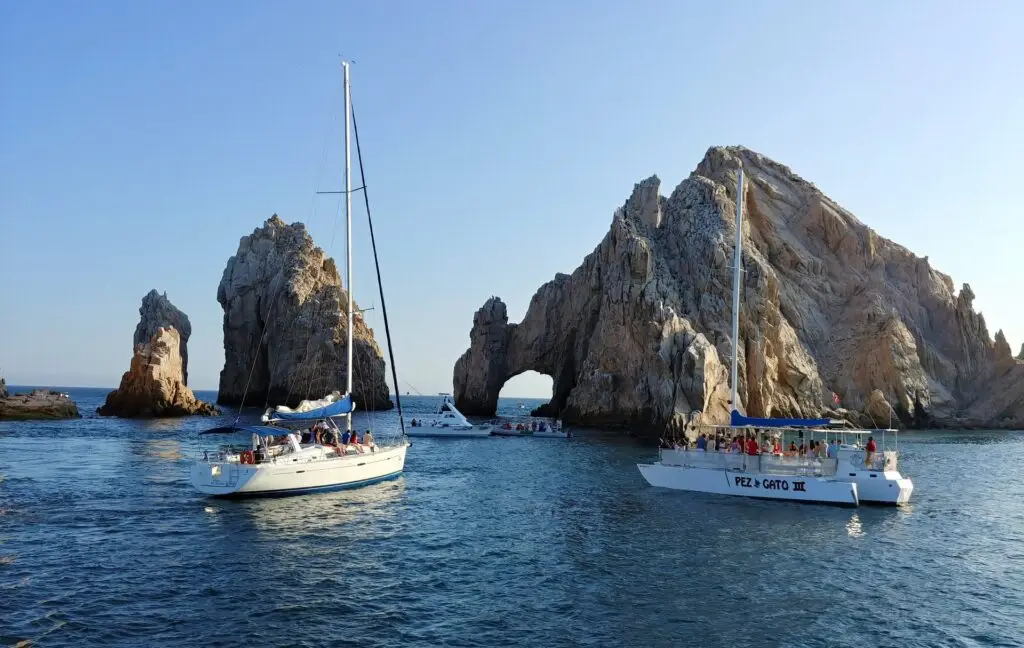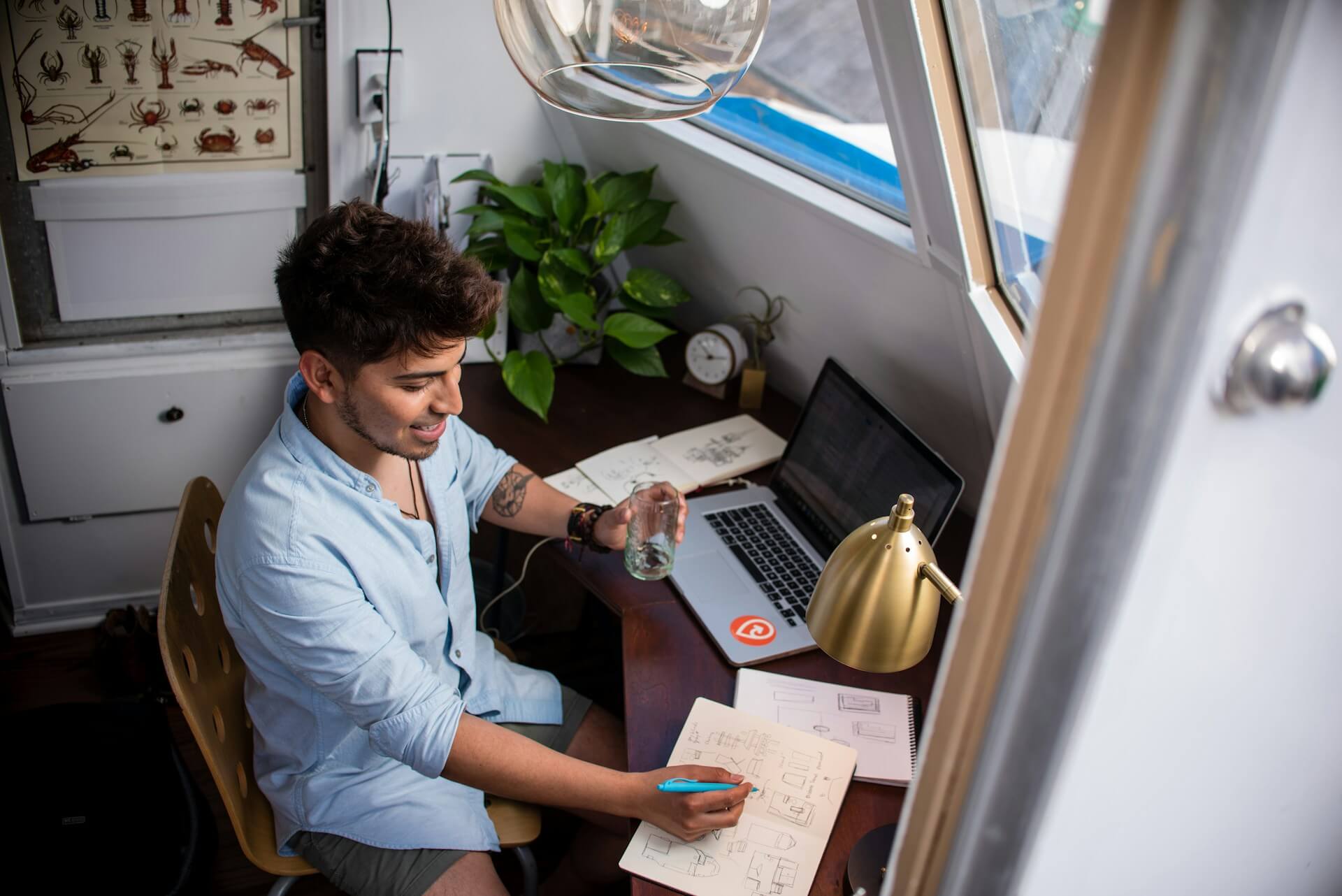
It used to mean a coffee shop with good Wi-Fi for remote work. Now it means a catamaran off the coast of Sardinia with a laptop propped open on the cockpit table. The number of professionals booking sailing charters during the workweek has skyrocketed. Also, boat rental companies are steadily getting longer reservations from people who want to stay online while at sea.
It’s easy to see the attraction. Meetings in the morning from a port in Croatia, working hard in a quiet anchorage, and swimming at sunset when the laptop is turned off. To make it all work reliably, though, you need to plan more than most people think. Before you leave on a boat, you should check the Wi-Fi, power, device protection, and the outdoor space.
Device Safety Afloat
A firewall, a managed network, and an IT department are all parts of an office. Those things are not on a boat. On a sailing trip, every Wi-Fi network you connect to is shared, not always well protected, and run by someone whose main job is renting berths, not keeping data safe.
How people use networks
Everyone should turn off auto-join for Wi-Fi and Bluetooth. You should only connect to port networks when you need to. When you are on public Wi-Fi, you should always have a VPN running. For anything that needs your login information or financial information, use your phone’s data instead.
App and microphone permissions
The small living space on a yacht makes it easy for people to talk to each other. In a raft-up, calls from clients, financial talks, and other private matters can be heard by the crew, other guests, or boats next to you.
Aside from people, apps that have access to microphones can pick up background noise even when they’re not recording. The sound is very clear on a boat, where there is little background noise and people are close together. It is worth taking the steps to lock down your microphone permissions for every app on the device before you board. It only takes ten minutes and gets rid of one of the easiest ways for data to get out without you knowing about it. Going over the settings for Siri, dictation, and location-based ads all at the same time covers the main ways that phones silently share information. When your office is floating and doesn’t have any walls, that little work goes a long way.
Physical safety
Things that are in salt, sun, or water can damage them. A waterproof phone bag only costs a few euros and stops the most common way that people lose their phones on boats. When not in use, put the laptop in a padded dry bag and never leave it on the deck. Any sudden wave splash or gust of wind that knocks over a coffee cup can end a work trip on the first day.
How to Connect at Sea
The hardest thing is getting a stable internet connection while you’re on the water. What you need depends on how far away you want to go and how much bandwidth your work needs.
Wi-Fi in Marina
There is free Wi-Fi at most marinas, but the quality varies a lot. During the busiest times of the year, a Mediterranean bay can feel slower than dial-up. A lot of boats use the same entry point, so the signal doesn’t go past the first row of pontoons very often. Wi-Fi in the marina isn’t strong enough to use for video calls or uploading files.
Hotspots and cell data
For coastal sailing, the best main link is either a local SIM card or an eSIM with a large data plan. Along sailing routes in Greece, Turkey, Croatia, and Spain, coverage is usually good up to a few miles from the shore. With a portable hotspot, both a laptop and a phone can connect at the same time. Keep a second SIM card from a different provider with you as a backup, since service gaps can be different between providers.
| Type of connection | Am besten für | Limitation |
| Wi-Fi in Marina | Simple browsing and email | Slow, crowded, and not very far away |
| eSIM or local SIM | Making video calls and sending files | There is no service out at sea or between islands |
| Satellite messenger | Short messages and emergency contacts | Slow speed and high cost per MB |
| Starlink Maritime | Full broadband at sea | Needs hardware and a monthly subscription |
Options off the coast
A satellite option is needed for passages that are more than a few hours from the coast. The hardware and subscription fees for Starlink Maritime’s real broadband at sea make it out of reach for most short-term charters. A satellite radio is much cheaper and can handle text messages and SOS calls. It can also fit in your pocket.
Managing Onboard Power
A charter boat can only handle a certain amount of electricity. If you use a laptop, phone, hotspot, and monitor for eight hours straight, the house batteries will die faster than the solar panel or engine generator can charge them again.
- Before leaving each morning, charge all of your devices fully at the marina.
- A power bank with at least 20,000 mAh of capacity can charge a phone for a full day and keep a laptop charged between charges.
- Make good use of the engine’s charging cycle. Instead of running the charger on battery power at anchor, run it while moving between anchorages.
- With an inverter (12V to 240V), you can plug in a normal laptop charger. But first, make sure to check with the charter company. Not every boat has one.
The Best Way to Start Each Day
People who work from boats and are successful at it tend to follow a pattern. Focused work is best done in the morning, when the boat is at anchor or in a quiet bay, when connections are easier and there are fewer distractions. At noon, the boat will be moved to its next stop. In the afternoon, work is done at the new harbour, which has Wi-Fi and shore power. Evenings are part of the vacation part of the trip.
Block out time to focus deeply before the anchor comes up. Video calls should only be made in marinas where the connection is strong. Get all the things you might need for the next section while you still can. With that rhythm, a normal charter week becomes a really productive one, and the fun of being at sea is still there.
Schlussfolgerung
No longer is a business sailing trip a strange experiment. There are the tools, the connections are good enough on most of the main roads, and the way of life speaks for itself. A stress-free week is different from a stress-free week because you prepared for it. Make sure you can join before you get on the boat, make sure your devices and data are safe on all networks, keep an eye on the power budget, and know what the boat’s limits are. If you do that, the hardest choice you’ll have to make every night is where to anchor for sunset.